
Choosing between the different RAM mount arm sizes affects reach, viewing angle and stability. The short, standard and long B-size arms all fit the same 1-inch ball components, but they behave differently once a phone, GPS or small tablet is attached. This guide compares their verified dimensions and explains which length makes the most sense for cars, motorcycles, boats and other installations.
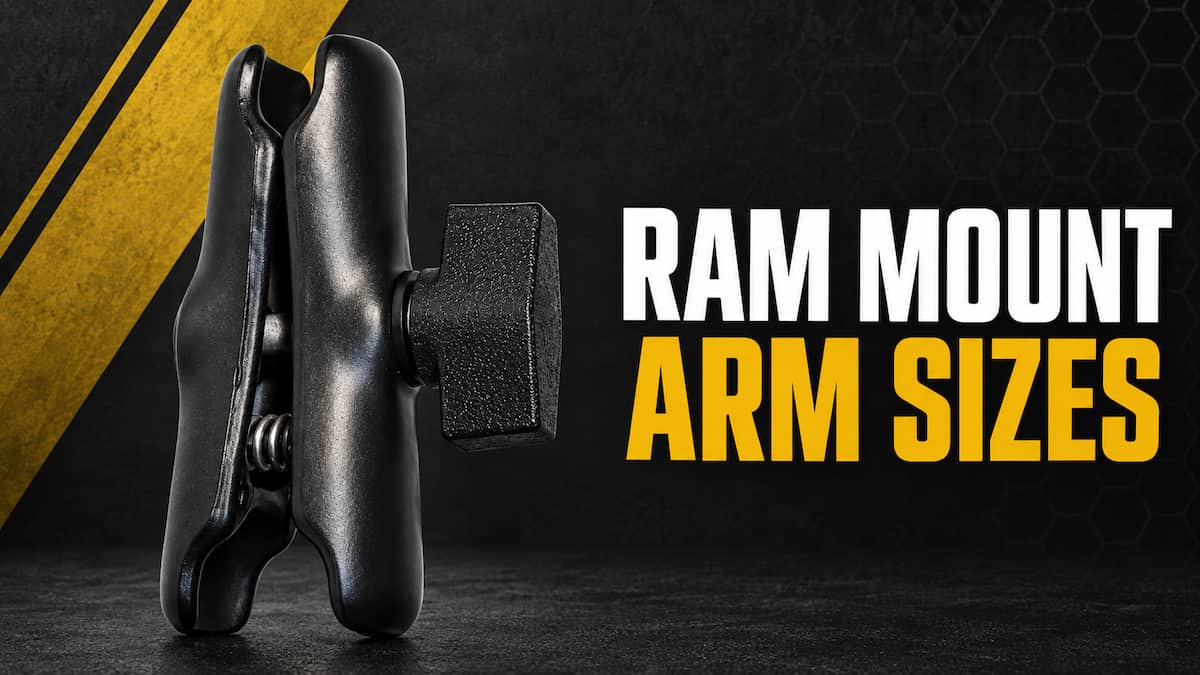
RAM Mount Arm Sizes at a Glance
This article covers RAM’s B-size system, which uses a 1-inch rubber ball. It is the most common RAM system for phones, handheld GPS units, action cameras and some small tablets. If your base and device holder both use 1-inch balls, any of the three metal B-size arms below will connect them.
Arm length is separate from ball size. A short B-size arm and a long B-size arm accept the same 1-inch balls. Changing the arm alters the distance and positioning range, but it does not convert the mount to a larger ball system. Our RAM ball size guide explains the differences between the A, B, C, D and E systems.
| Arm | Overall Length | Socket to Socket | Best Use | Product |
|---|---|---|---|---|
| Short | 2.42 inches | 1.75 inches | Low-profile and vibration-sensitive setups | View short arm |
| Standard | 3.73 inches | 3.00 inches | Most phone, GPS and vehicle mounts | View standard arm |
| Long | 6.00 inches | 5.31 inches | Extra reach from a distant mounting surface | View long arm |
How a RAM Double Socket Arm Works
A RAM double socket arm connects two ball components. One ball is normally attached to the base, while the other is attached to the device holder or cradle. Loosening the large center knob releases pressure on both sockets so the device can pivot. Tightening the knob clamps both connections at once.
The standard and long metal arms use an internal spring to open one side as the knob is loosened. The short arm also uses a central spring action, although RAM notes that this model does not include the separate pin spring found in some other arms. That distinction does not change normal installation. Place a ball in each socket, position the device and tighten the knob firmly by hand.
RAM rates each of these B-size metal arms for up to 2 pounds in standard use and 1 pound in heavy-duty use. Those ratings are more useful than assuming every device that physically fits a cradle is appropriate for the mount. A large tablet may need a C-size 1.5-inch system, especially in a rough vehicle or marine environment.
Short RAM Arm: Best for a Compact, Stable Mount
The short B-size arm measures 2.42 inches overall and 1.75 inches from socket center to socket center. It keeps the device close to the base and creates the least mechanical force of the three arm lengths.
That makes it a strong choice for motorcycle handlebars, bicycle bars, dashboards and other locations where extra reach is unnecessary. Keeping the device close to the mounting point can reduce visible shaking and makes the assembly less likely to sag under load. It also helps prevent a phone or GPS from extending farther into the rider’s or driver’s view than needed.
The tradeoff is reduced positioning freedom. The short arm offers less room to move the device around an instrument cluster, windshield edge or nearby control. Before choosing it, confirm that the base already places the 1-inch ball close to the final viewing position.
Standard RAM Arm: Best for Most Installations
The standard B-size arm measures 3.73 inches overall and 3 inches from socket center to socket center. RAM describes it as the medium arm, although many retailers and users call it the standard arm because it appears in so many complete mounting kits.
This is the best starting point for most phone and GPS installations. It provides enough room to angle the screen toward the user without placing the device unusually far from the base. It works well with suction cups, drill-down bases, handlebar bases, track balls and many other common mounting points.
The standard arm is also the safest choice when planning a setup before you can test the exact location. It gives more adjustment than the short arm while remaining much more compact than the long version. Unless the mounting point demands either a very low profile or substantial reach, choose this length.
Long RAM Arm: Best When You Need More Reach
The long B-size arm measures 6 inches overall and 5.31 inches from socket center to socket center. It adds more than two inches of reach compared with the standard arm and more than three and a half inches compared with the short arm.
That extra length helps when a suction cup sits deep against a sharply angled windshield, a boat console keeps the base away from the operator, or a fixed mounting point cannot be moved closer. The long arm can bring a screen within easier reach and improve the viewing angle without drilling a new mounting location.
More length also creates more mechanical force on the base. A long arm can show additional vibration, especially when paired with a heavy device or a flexible base. It should solve a real positioning problem rather than serve as the default upgrade. Keep the device within the published load guidance, tighten the knob by hand and check the complete assembly after the first few trips.
Using Two Arms with a Double Ball Adapter
A B-size double ball adapter connects two double socket arms. The adapter measures 2.54 inches overall, with 1.75 inches between the centers of its two 1-inch balls. It creates another joint in the system, allowing greater reach and a wider range of angles than one arm can provide.
This can be useful when the mount must bend around a dashboard lip, console or other obstruction. Two arms can also place a device where a single long arm cannot because the extra joint changes the path, not just the total distance.
The tradeoff is stability. Every added arm and joint adds mechanical force and provides another place where movement can occur. RAM specifically warns that adding this adapter can increase shaking or vibration. Use it when the extra articulation is necessary, keep the mounted device light and avoid building a chain of multiple arms for a vibration-heavy motorcycle or off-road installation.
| Two-Arm Combination | Why Use It | Main Tradeoff | Adapter |
|---|---|---|---|
| Short + Short | Compact offset with extra articulation | More joints than one standard arm | View adapter |
| Short + Standard | Moderate reach around an obstruction | Some added movement | |
| Standard + Long | Maximum practical reach | Greatest vibration potential |
Metal vs Composite RAM Arms
RAM offers both powder-coated marine-grade aluminum arms and high-strength composite arms. The metal models begin with “RAM,” while many composite components begin with “RAP.” Both metal and composite medium B-size arms carry the same published standard and heavy-duty weight ratings.
Metal remains the more reassuring choice for demanding outdoor, marine and high-vibration installations. Composite arms are lighter and can work well for phones and other light devices in ordinary conditions. The correct decision depends on the device weight, base rigidity, environment and desired arm length. Composite should not be dismissed as incompatible simply because the rest of the setup uses metal components.
How to Choose the Right RAM Arm Length
Start by holding the device where you want it and measuring back to the proposed ball base. Remember that the arm’s socket-to-socket dimension is the most useful comparison because it describes the distance between the centers of the two connected balls.
Use these guidelines:
- Choose short when the base is already close to the final device position and you want the most compact setup.
- Choose standard for a typical phone or GPS mount when moderate adjustment is needed.
- Choose long when the base is unavoidably far from the user or device position.
- Use two arms when the setup must bend around an obstruction and one pivoting arm cannot create the necessary path.
- Move to a larger ball system when device weight or harsh conditions exceed what the B-size system is designed to handle.
The base matters as much as the arm. A rigid short arm cannot compensate for a suction cup, clamp or flexible panel that moves under load. Review our RAM mount bases guide before finalizing the complete setup.
Frequently Asked Questions About RAM Mount Arm Sizes
What is the standard RAM mount arm size?
The standard or medium B-size arm is 3.73 inches long overall and 3 inches from socket center to socket center. It connects two 1-inch B-size ball components.
Does a shorter RAM arm hold better?
A shorter arm creates less force against the base, so it generally provides the most stable arrangement when the base, device weight and ball size remain the same. The published load rating still applies.
Can I use a B-size arm with a C-size ball?
No. A B-size arm fits 1-inch balls, while a C-size arm fits 1.5-inch balls. The socket and ball sizes must match unless a purpose-built mixed-size adapter is used.
Do compatible third-party 1-inch balls work with RAM arms?
Many third-party manufacturers make 1-inch balls designed to fit RAM B-size socket arms. Fit, rubber hardness and holding performance can vary, so check the manufacturer’s compatibility statement rather than assuming every one-inch sphere will clamp correctly.
How tight should the center knob be?
Tighten the knob firmly by hand. RAM does not publish a torque specification for these arms and does not recommend using tools to overtighten the knob.
Can I connect two RAM arms?
Yes. A B-size double ball adapter connects two B-size double socket arms. The extra joint improves reach and articulation but can also increase movement and vibration.
Related Mount Guides
Continue building your setup with our RAM Mounts hub, RAM mount extensions guide, RAM X-Grip cradle guide and RAM mount assembly instructions.
